How do I get started?
Answer onboarding and setup questions from your product guides, help articles and FAQs. Give customers a clear next step.
See the workflow
Turn product documentation into useful answers. Keep account context close, and bring a person into the conversation when troubleshooting needs a closer look.
Explore the product. Choose the plan that fits your team.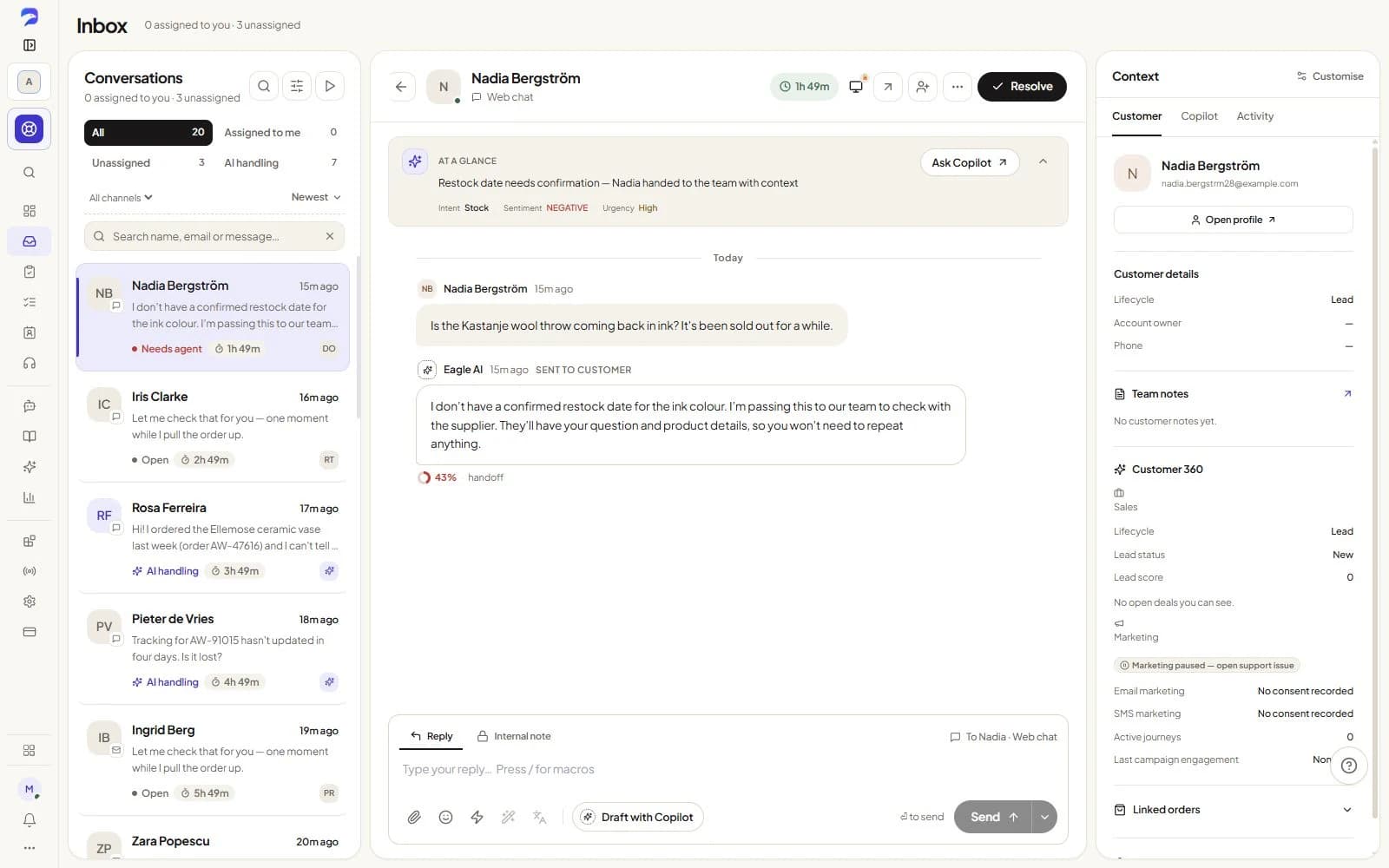
B2B software · Subscription platforms · Developer tools · Digital products
Answer onboarding and setup questions from your product guides, help articles and FAQs. Give customers a clear next step.
See the workflowCollect the problem and conversation history for the right teammate. Use co-browsing, when enabled and consented to, to see where a customer gets stuck.
See the workflowKeep customers, companies and follow-up tasks connected to the conversation so questions have a clear owner.
See the workflow
I can’t find the export settings. Can you help?
The export guide shows the settings under Reports. If you’re still stuck, I can bring in the support team.
Product guide · export settings
Account context · conversation history
Escalation → support owner
Co-browsing requires enablement and consent. Customer context reflects the data you have connected or recorded.
Use the information you review and maintain to guide AI answers.
Route configured sensitive actions for approval and give your team the context.
Bring in voice or consent-based co-browsing when enabled and appropriate.
Bring leads, deals and follow-ups onto the customer record your team already knows. See what needs attention today and keep opportunities moving.
Core Sales on every plan. Advanced tools on Professional; quotes and CRM sync on Premium. AI uses credits.
Explore Sales →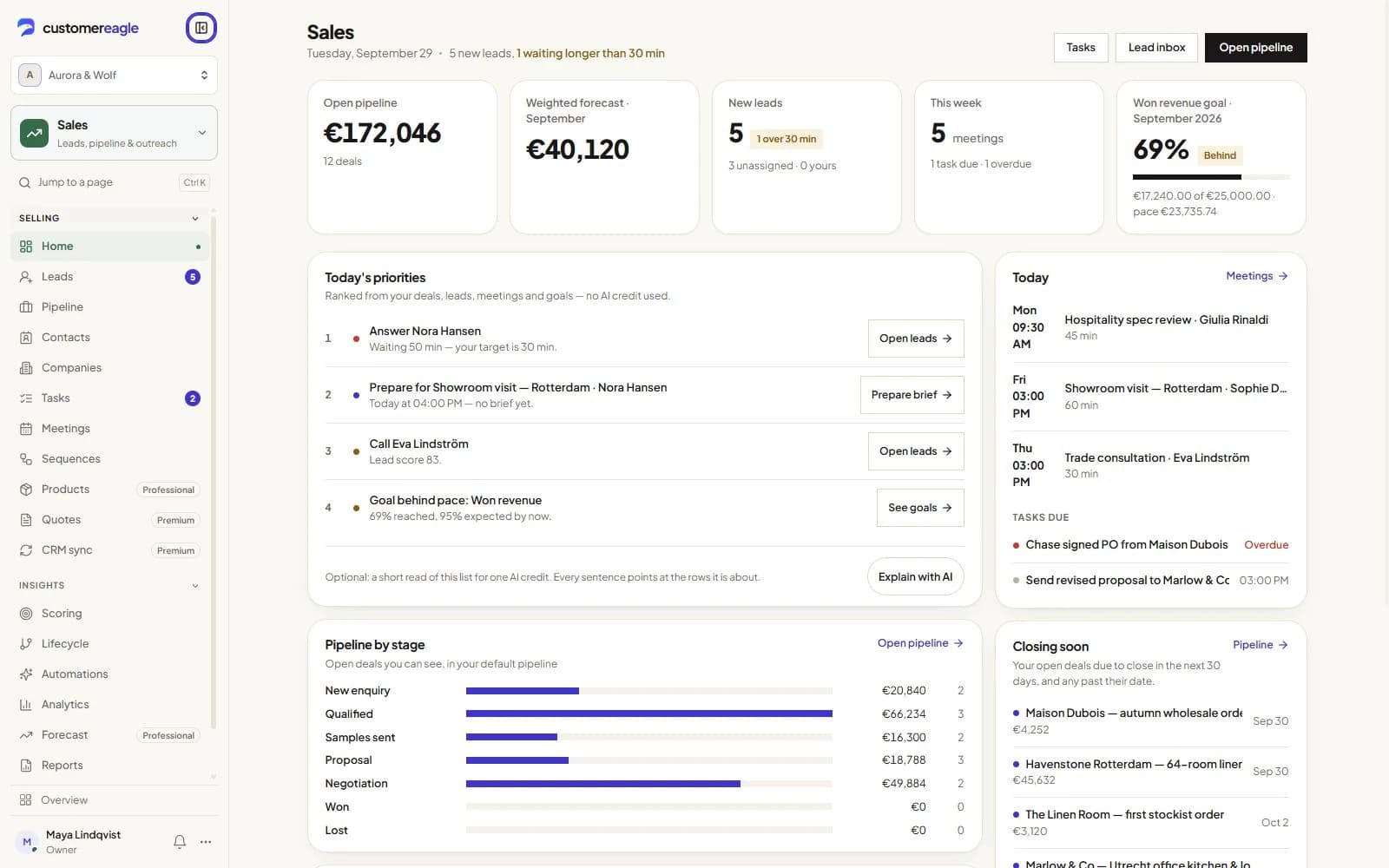
Build audiences from customer context, create campaigns and guide people through visual journeys. Keep consent and support context close to every send.
Separate paid add-on; features vary by tier. AI needs Standard or above and credits. SMS uses your provider.
Explore Marketing →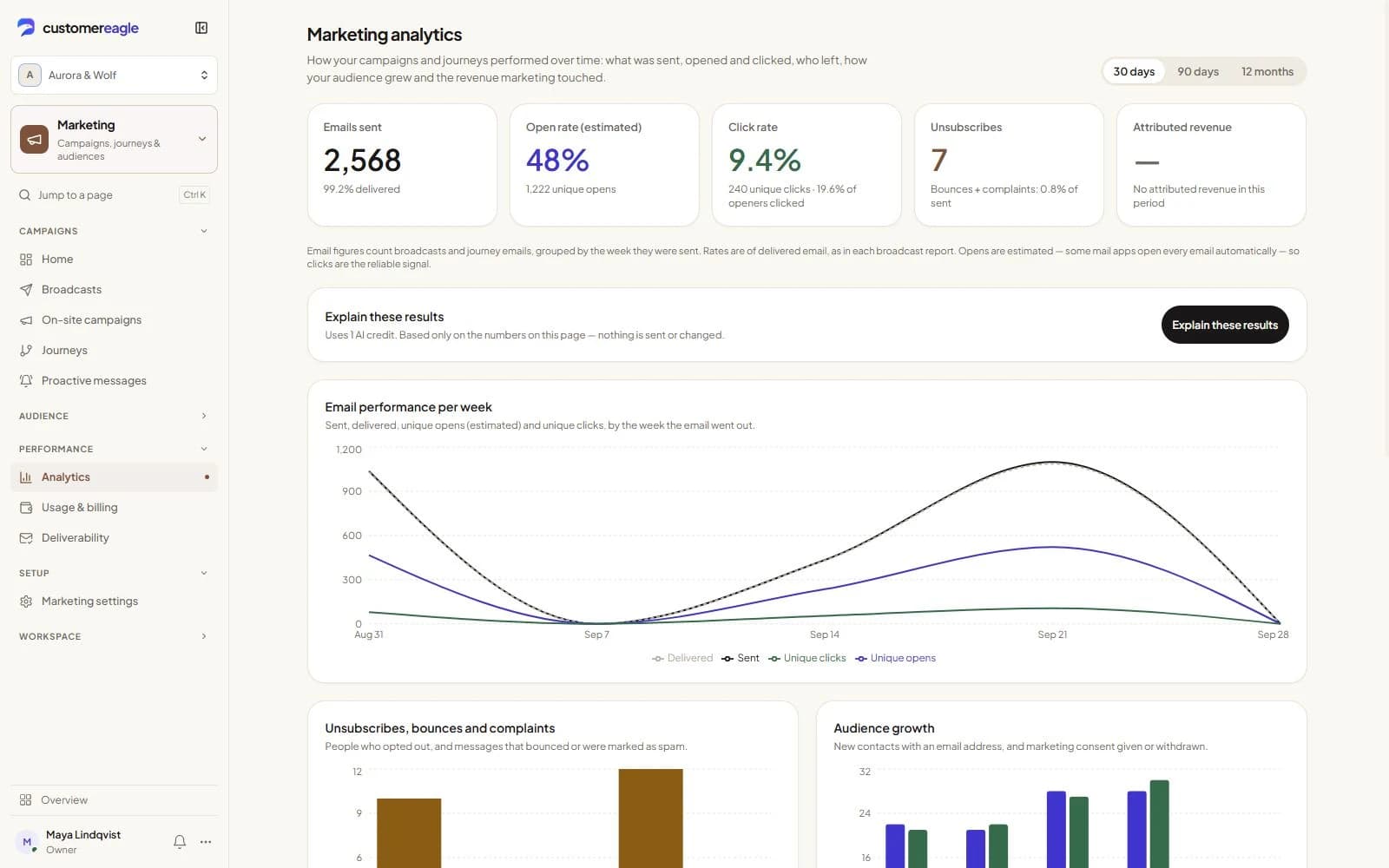
Add product documentation, organize customer context and configure escalation ownership.
Co-browsing is available when enabled and with the customer’s consent. It helps your team guide a visitor through supported website experiences.
CustomerEagle combines AI assistance and human support. Your team handles exceptions, specialist questions and decisions that need judgement.
Availability depends on your plan, enabled add-ons and connected providers. AI Voice is a paid add-on. Review pricing and integrations for the setup you need.
Review pricingTry Professional free for 30 days, with Support and Sales in one workspace. Add Marketing when you’re ready.